Turn Screen Time
Into Skill Time
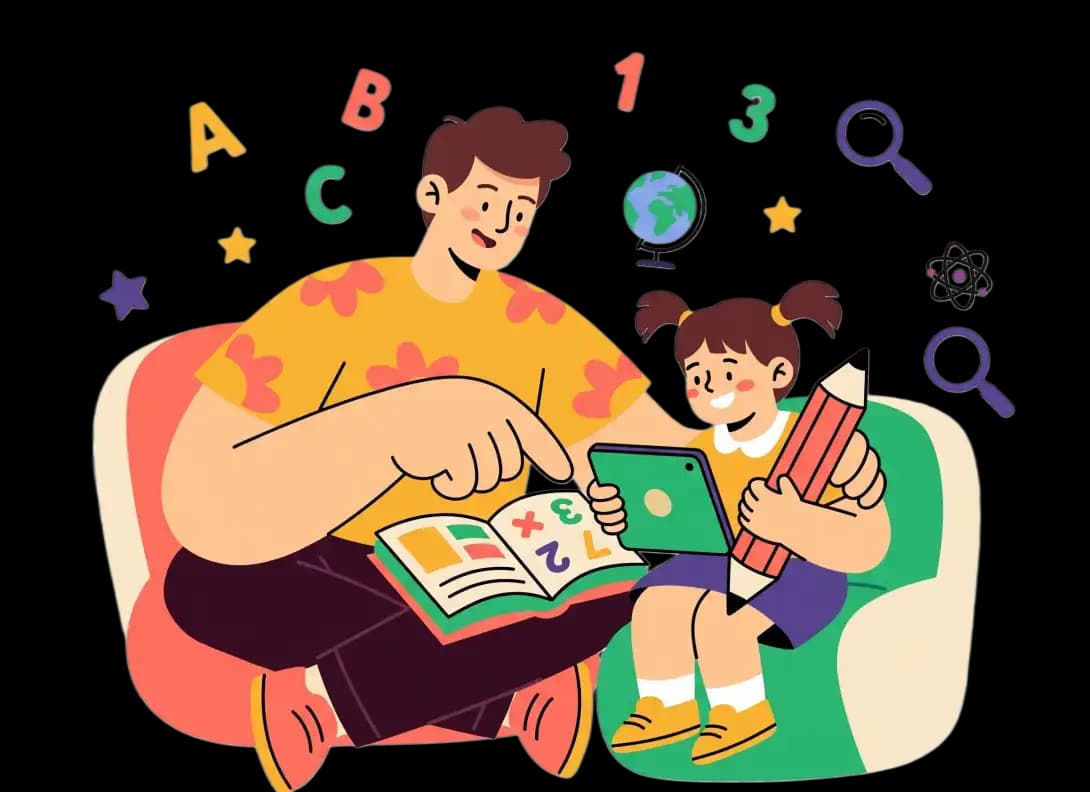
Every app unlock becomes a learning opportunity for your child. ScreenToSkill transforms addictive scrolling into fun educational challenges like math, spelling, science, sounds, and memory games while helping parents build healthier screen habits for their children.

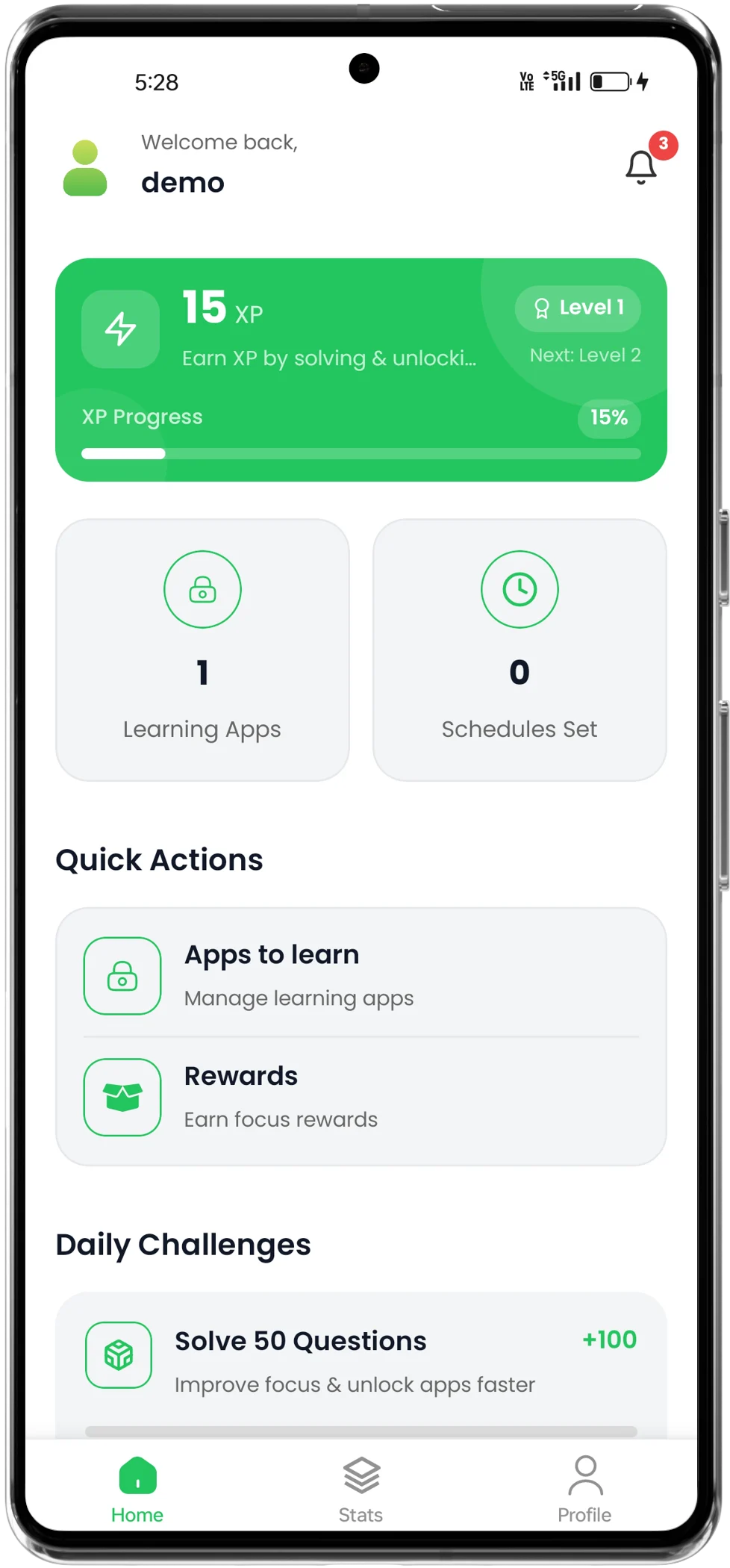
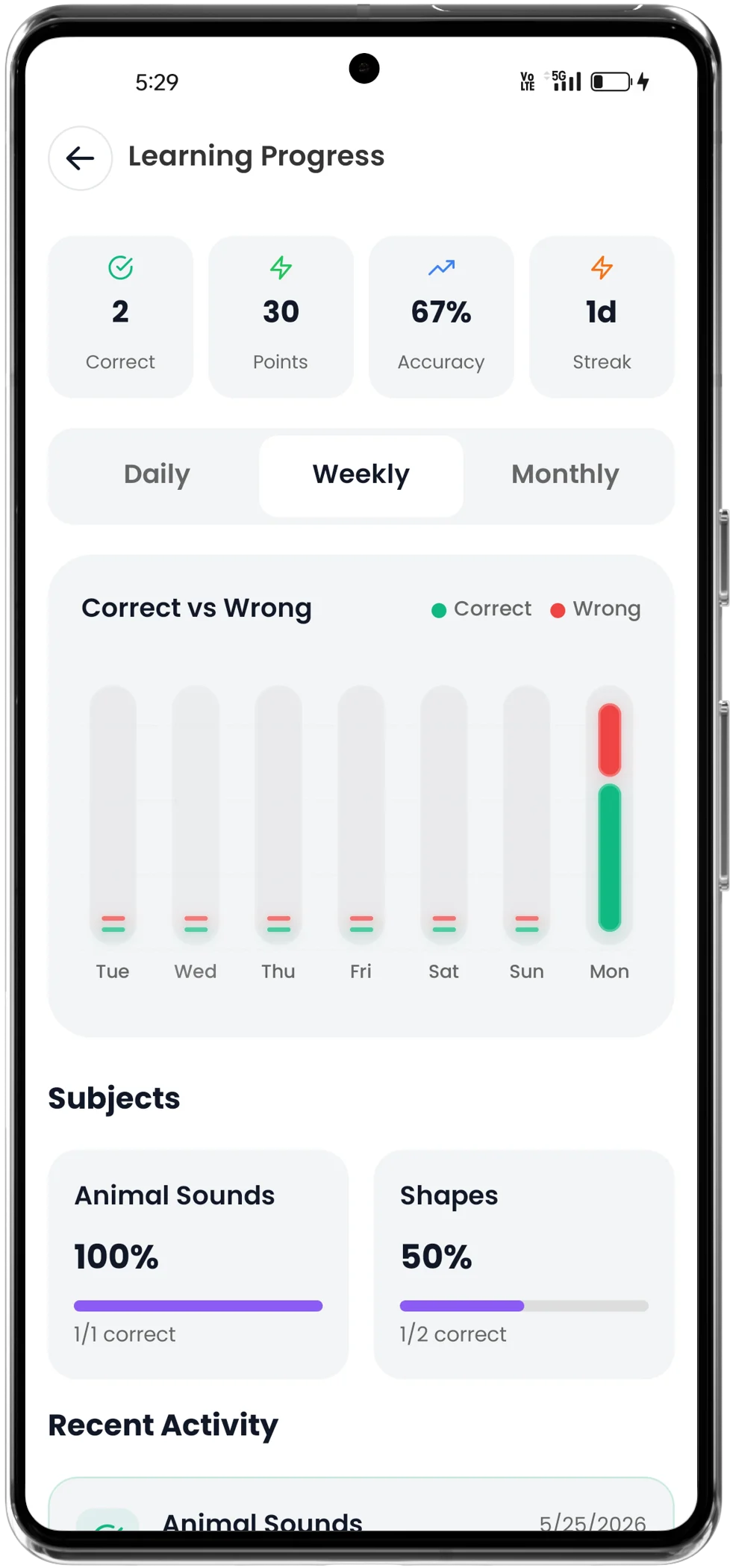
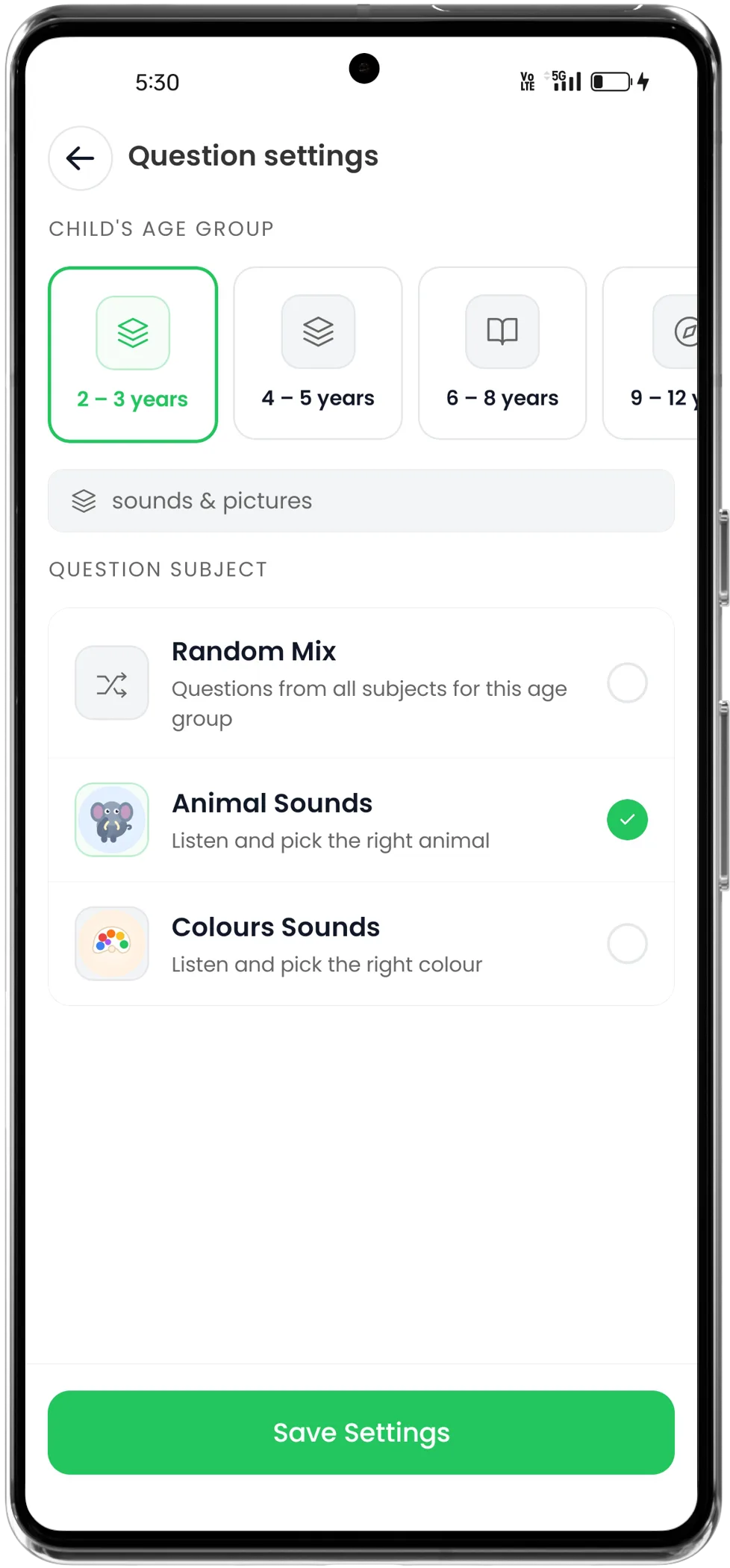
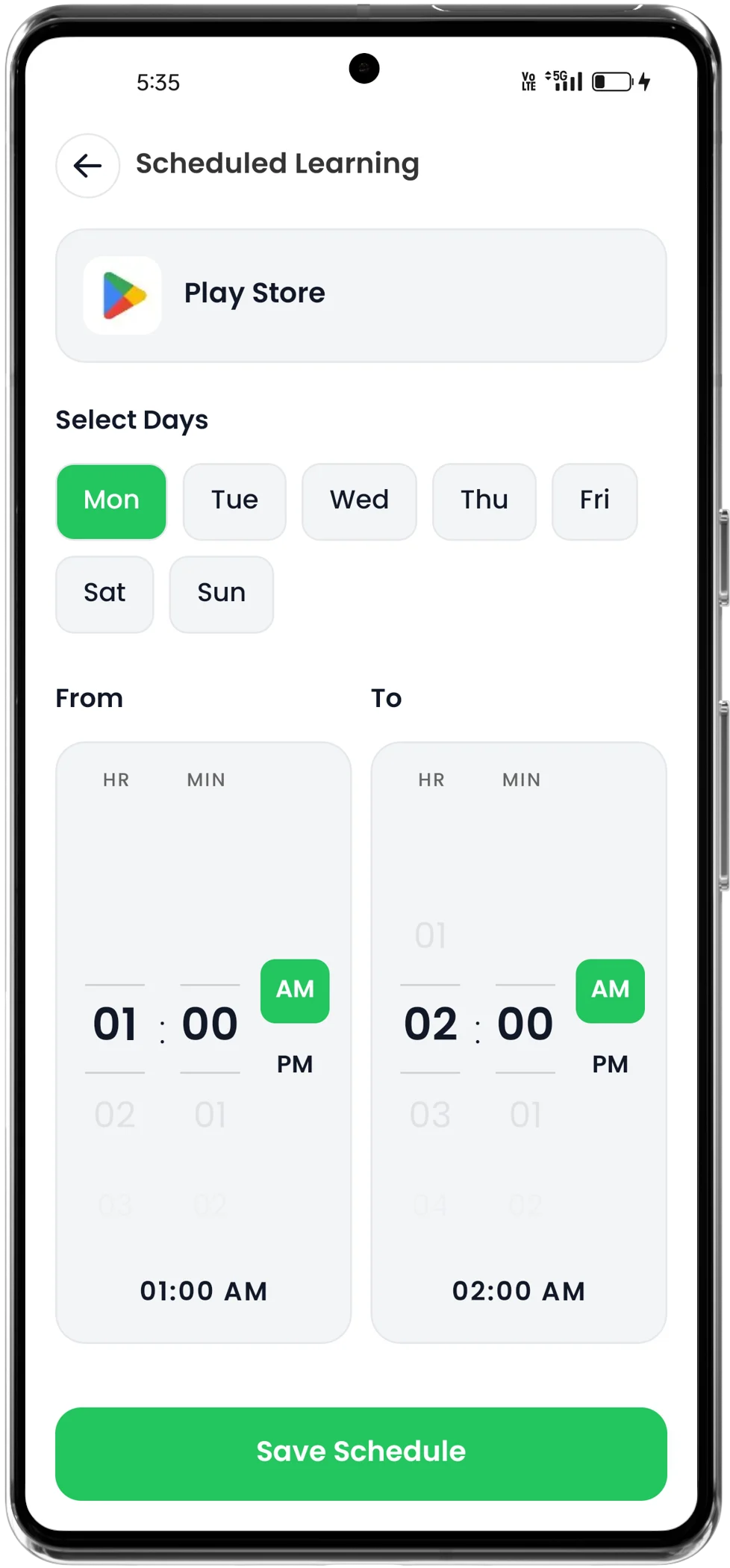
Nurturing high-performance study habits and reducing device dependencies daily.
Our comprehensive curriculum empowers core skill tracking dynamically.
Replaced addictive brain rot with constructive mental fitness workouts.
Why choose
ScreenToSkill?
ScreenToSkill helps children turn screen time into productive learning. Through quizzes, challenges, and rewards, kids build real skills while parents stay worry-free.
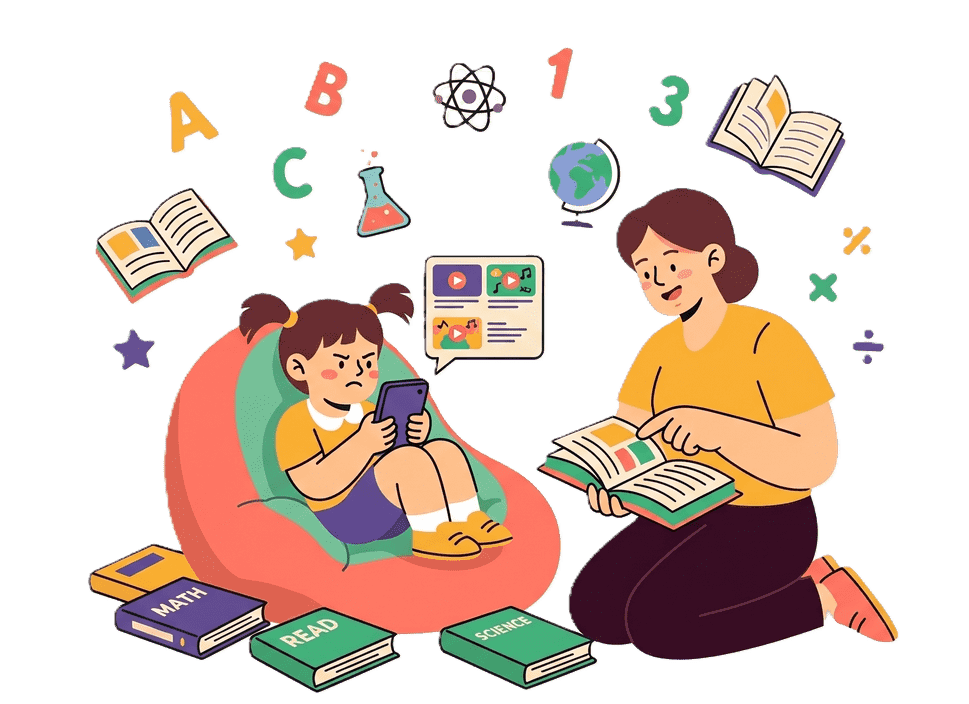
Trusted by Parents
Parents stay in control while children learn. Screen time is used for learning activities instead of endless scrolling and videos.
Learning Through Fun Challenges
Kids solve quizzes, puzzles, and learning games to earn rewards. Education feels fun, engaging, and motivating.
Perfect for Every Grade
Content is matched to your child's age and school level, covering Maths, English, Science, History, and logical thinking.
Tailored Learning Challenges for Every Age Group
ScreenToSkill automatically gives age-appropriate learning challenges—from simple sounds and fun activities for young children to science, English, maths, and reasoning questions for teenagers.
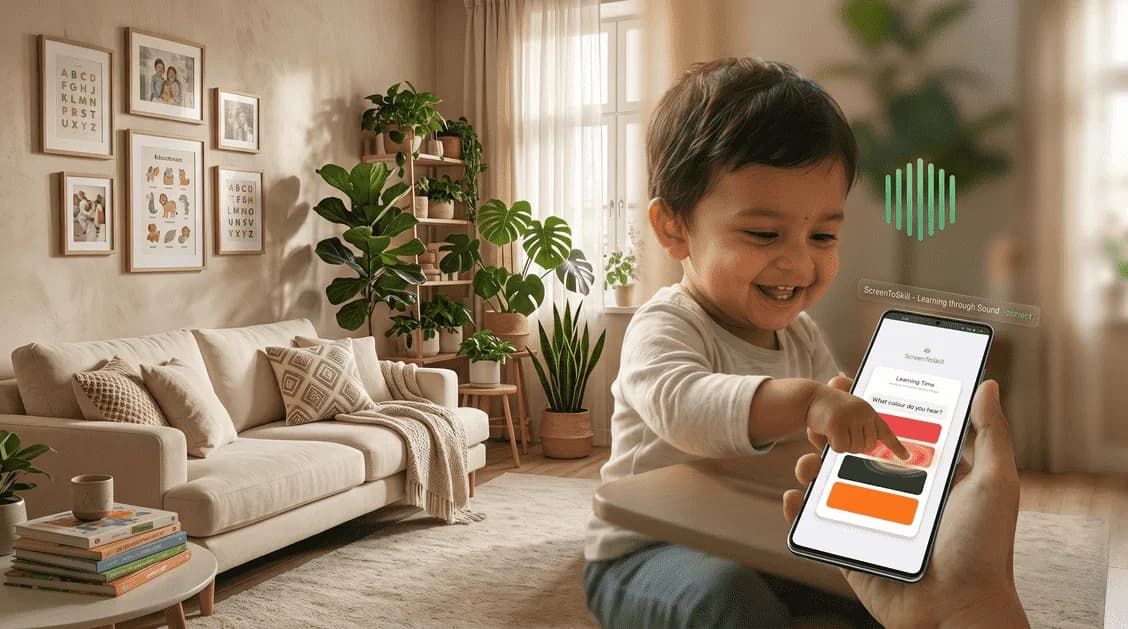
Starter Audio-First Sounds
Audio-guided phonetic play built for active toddlers. Zero reading required.
Identify animal sounds, friendly sound-matching puzzles, and phone voice guidance triggers that stimulate auditory memory.
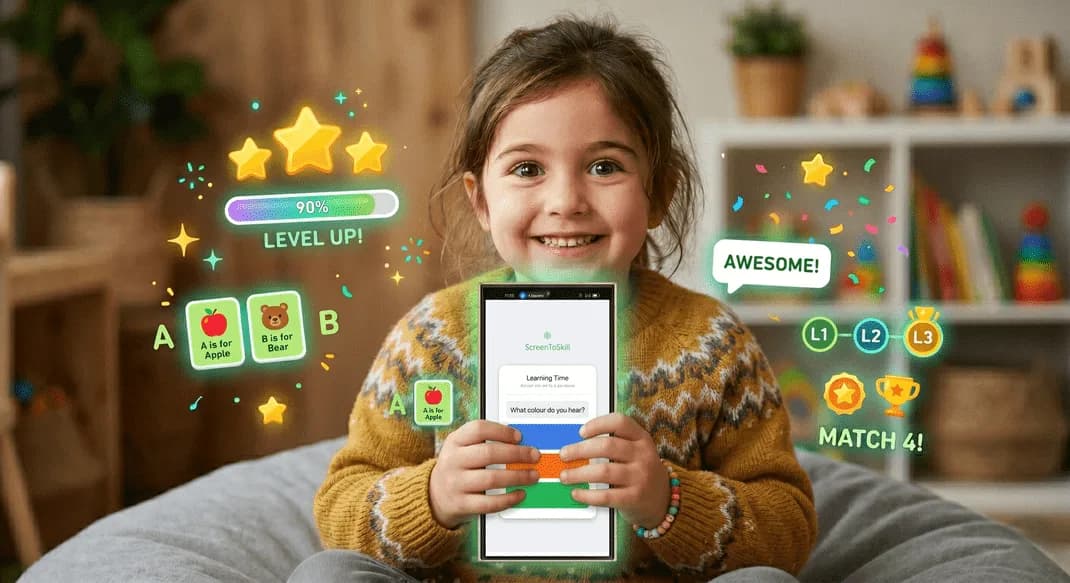
Shapes, Colours & Animal Recognition
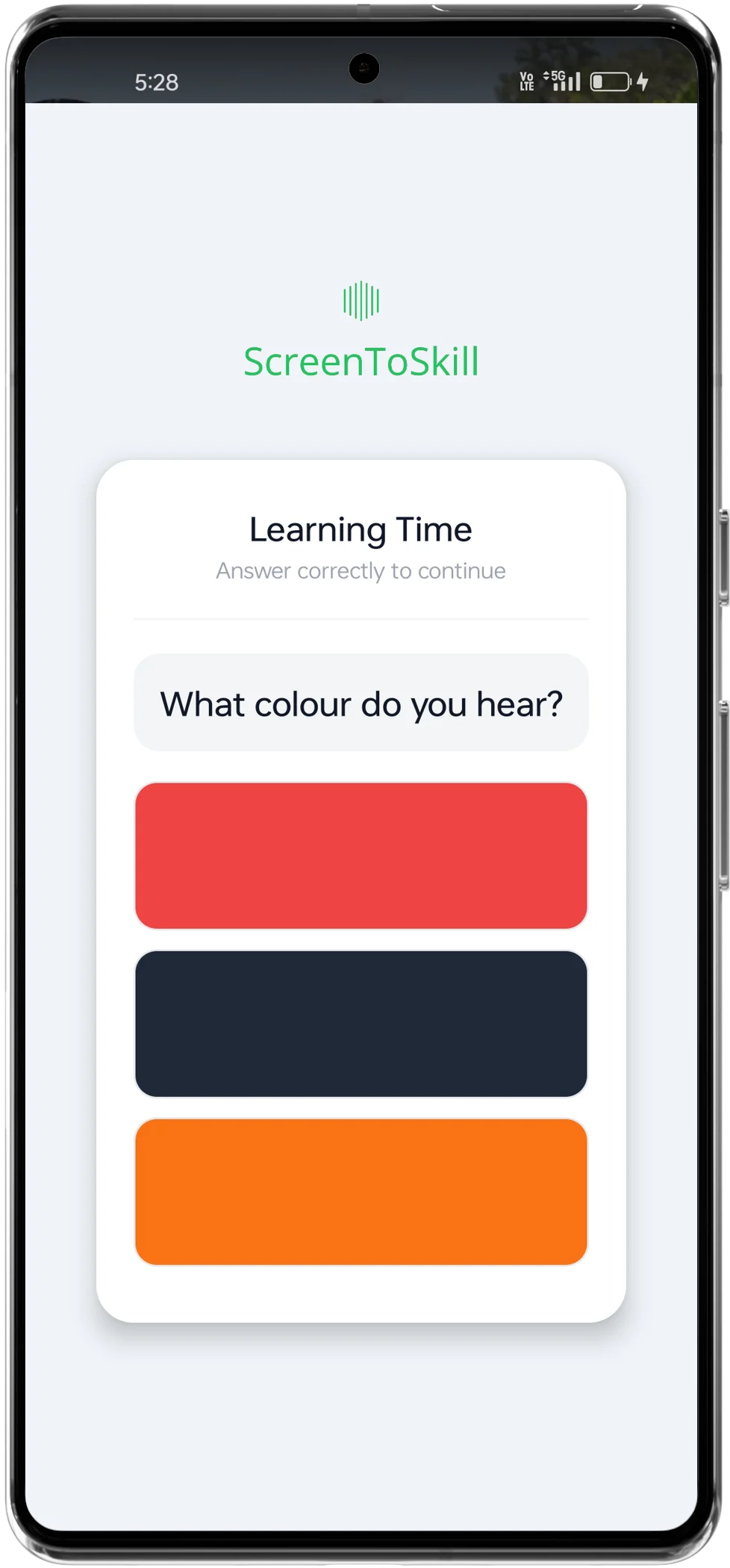
Bright visual MCQs designed to build early recognition and choice-making.
Children see vibrant shapes, colours and animal visuals, then pick the correct match from simple multiple-choice options.
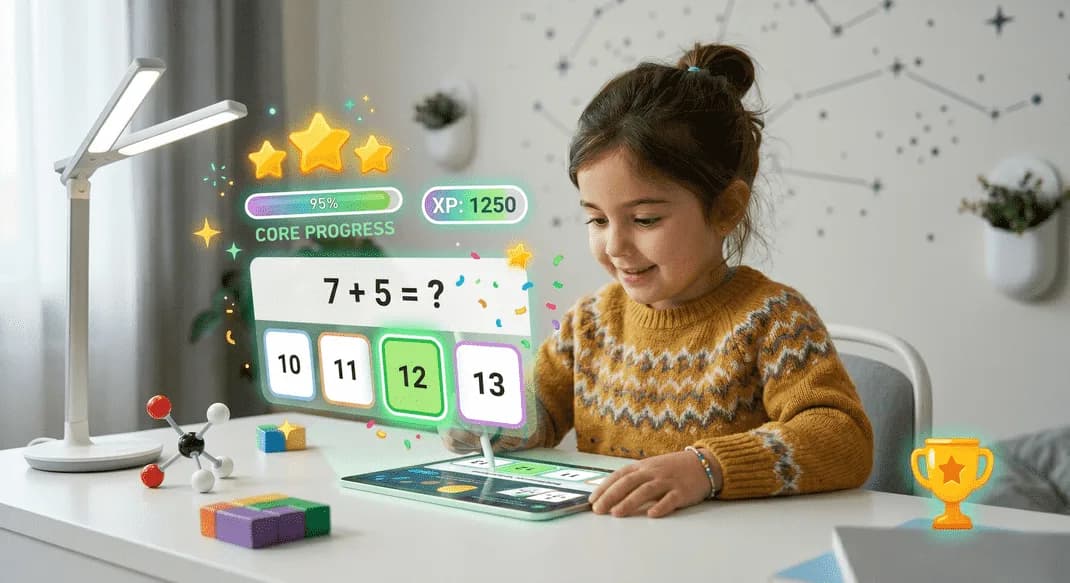
Math, English & Science Basics
Early-school MCQs across single-digit math, simple English words and basic science facts.
Children pick the right answer from MCQs on simple addition and subtraction, basic English vocabulary and spelling, and introductory science questions tuned for early-school understanding.
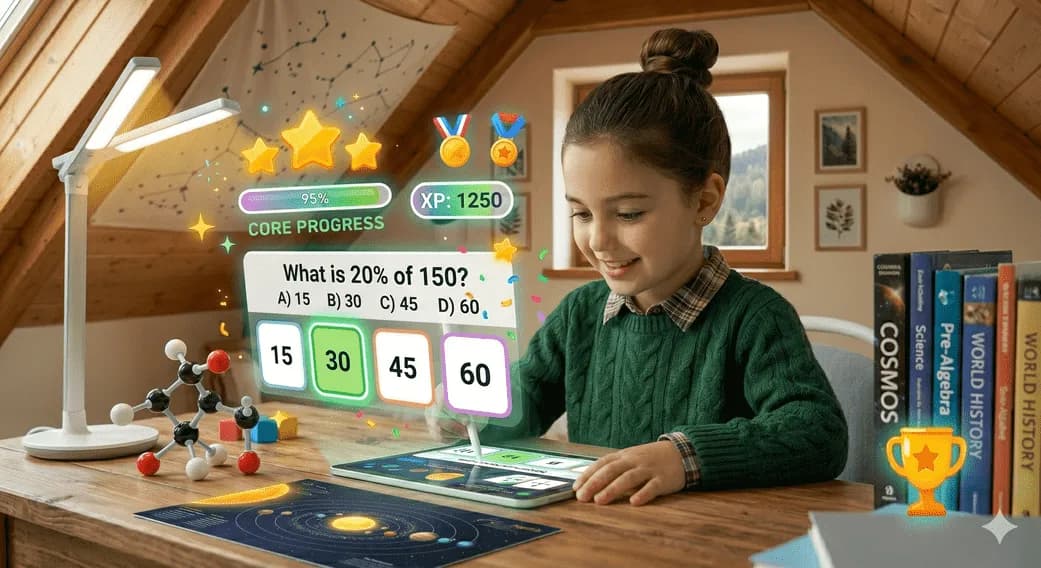
Math, English, Science & History
Middle-school MCQs across multiplication & fractions, grammar, science concepts and history.
Children answer MCQs covering multiplication, division and fractions, English grammar and reading questions, school-level science topics, and basic history facts at middle-school difficulty.
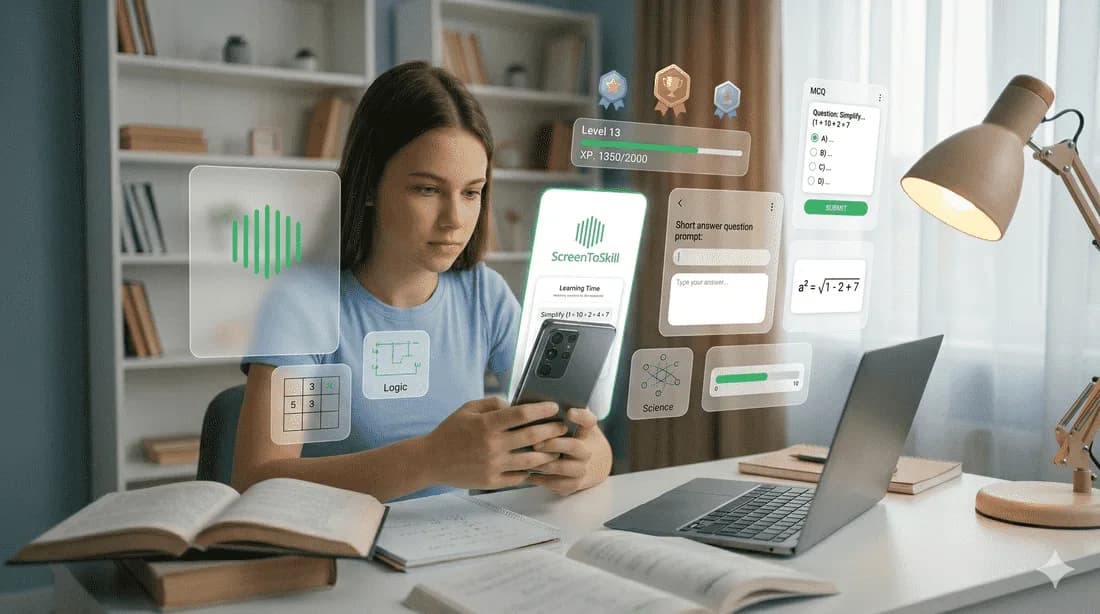
Math, English, Science & History
High-school MCQs across algebra, English comprehension, advanced science and history.
Teens answer harder MCQs covering algebra and word problems, English comprehension and grammar, secondary-school science across physics, chemistry and biology, plus history concepts at exam-prep difficulty.
Helping Kids Use Screen Time Better
ScreenToSkill turns screen time into a learning experience. Children complete fun image-based quizzes and learning challenges to earn their entertainment time, helping them build knowledge while enjoying technology.
Children can complete short learning sessions every day at their own pace. Regular participation helps create positive learning habits and encourages productive screen use.
Active Learning
Kids answer questions, identify images, and complete learning challenges instead of spending all their time on passive entertainment.
Balanced Screen Time
Entertainment time is unlocked through completed learning tasks, encouraging a healthy balance between fun and education.
Age-Based Challenges
Learning activities are tailored for different age groups, from simple image recognition for young children to advanced subjects for teens.
How ScreenToSkill Restores Balance
We don't block devices entirely or cause daily friction. We swap passive consumption with gamified curriculum challenges.

Endless Dopamine Loops
Resulting in low attention spans, lack of focus on homework, and chronic evening device dependency.
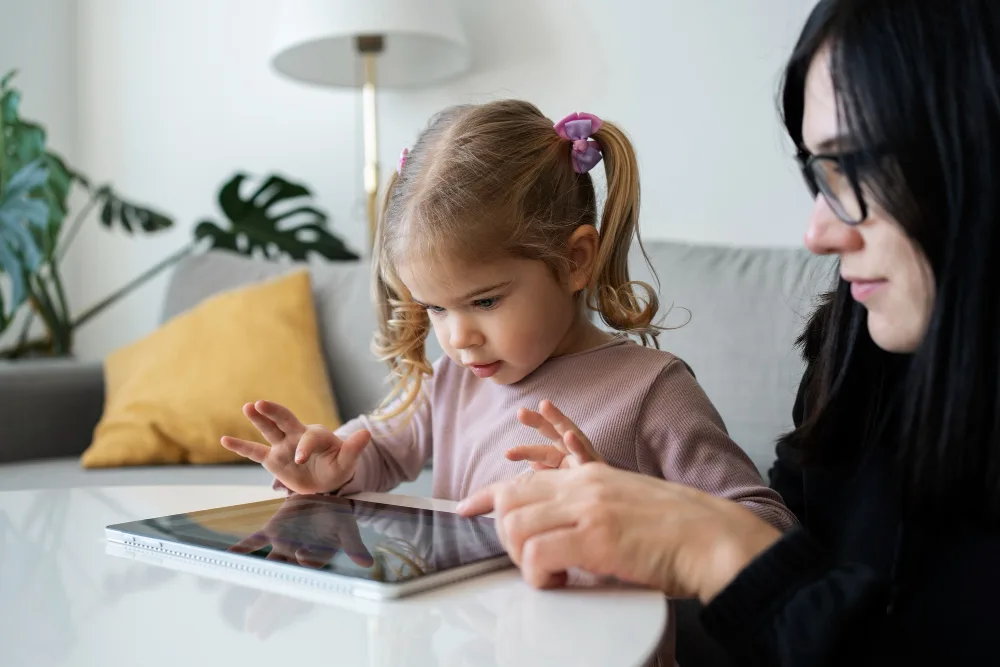
Focus Slots Earned Honestly
Resulting in a 41% average reduction in idle scroll time, and a huge confidence peak in school curriculum exams.
How it works
Convert addictive screen time fights into an automatic academic feedback loop. Setup takes just 3 minutes.
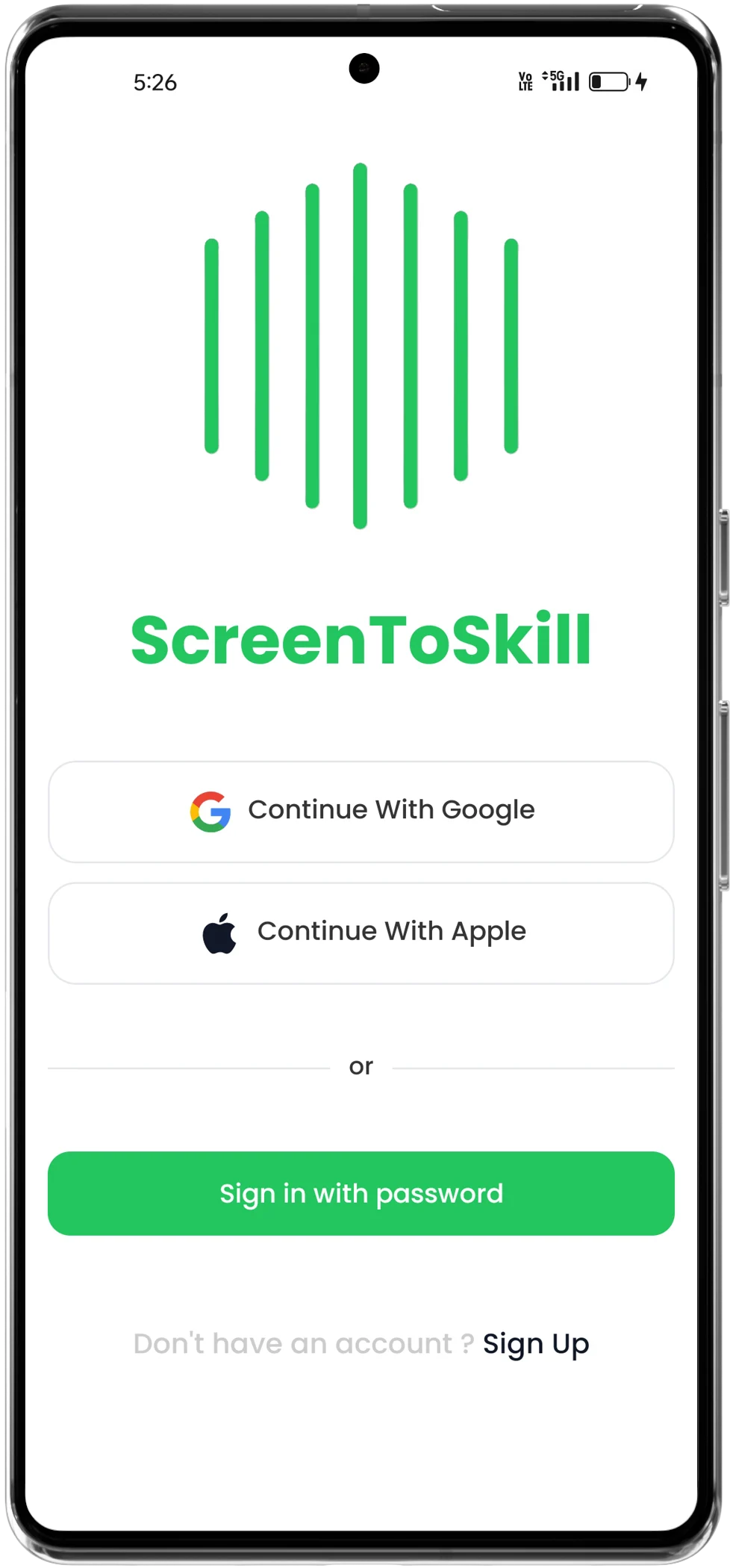
Sign in & Create Profiles
Create a secured family account and establish personalized learning profiles for your children.
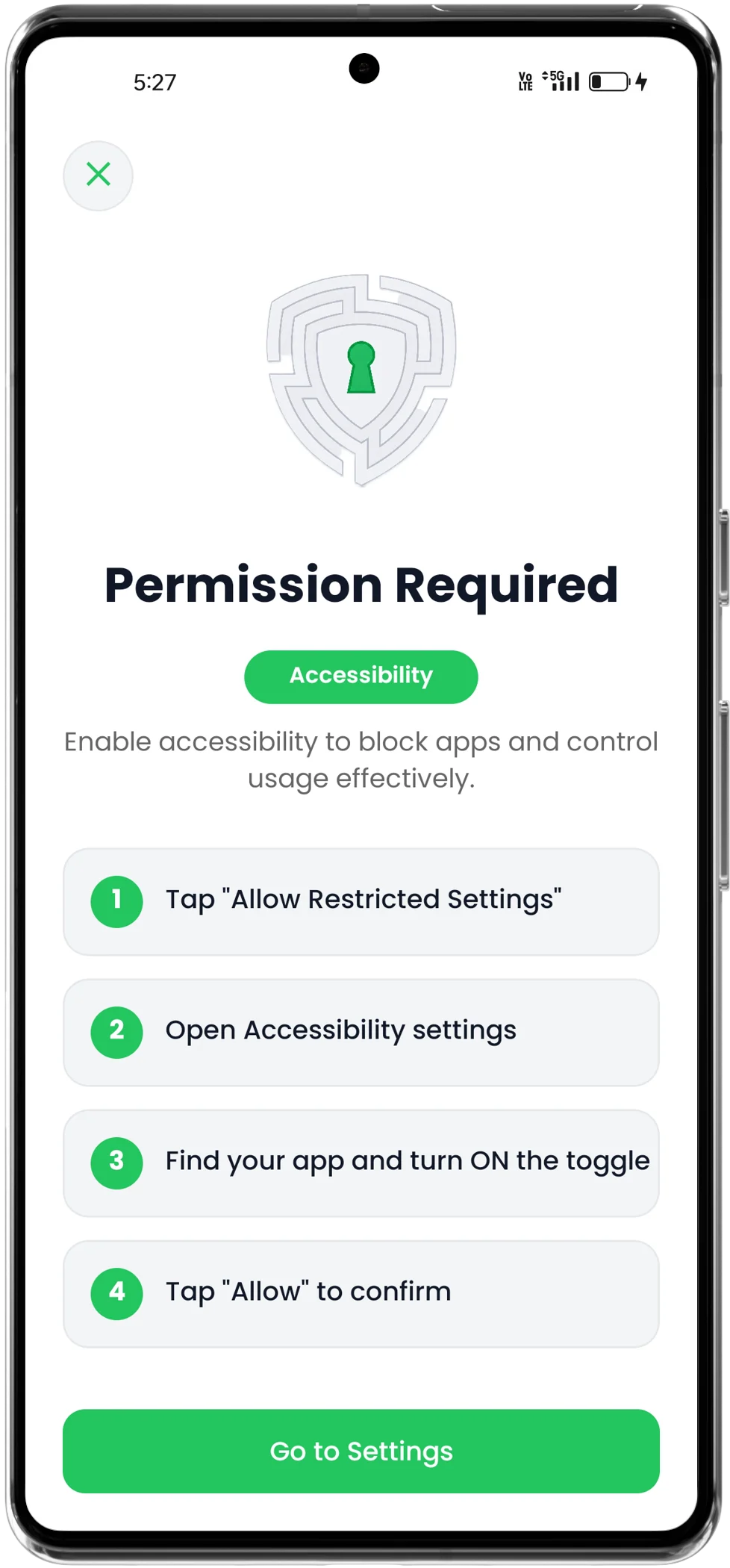
Grant Device Permissions
Enable required device settings: App Accessibility, Overlay on App, and Usage Permissions to run active block overlays smoothly.
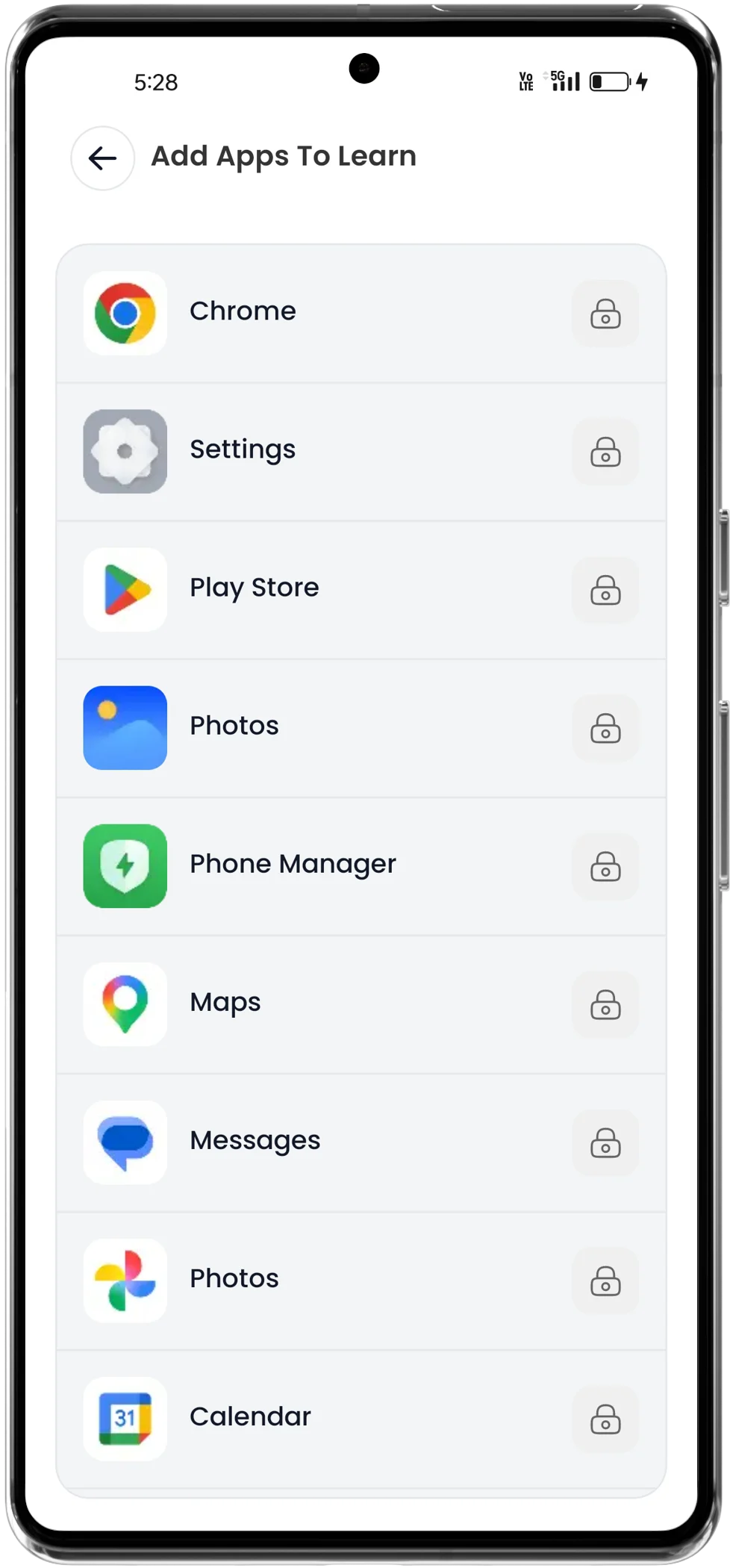
Select Apps for Learning
Parents choose target gaming or entertainment apps like Roblox, TikTok, YouTube, or Fortnite to regulate.
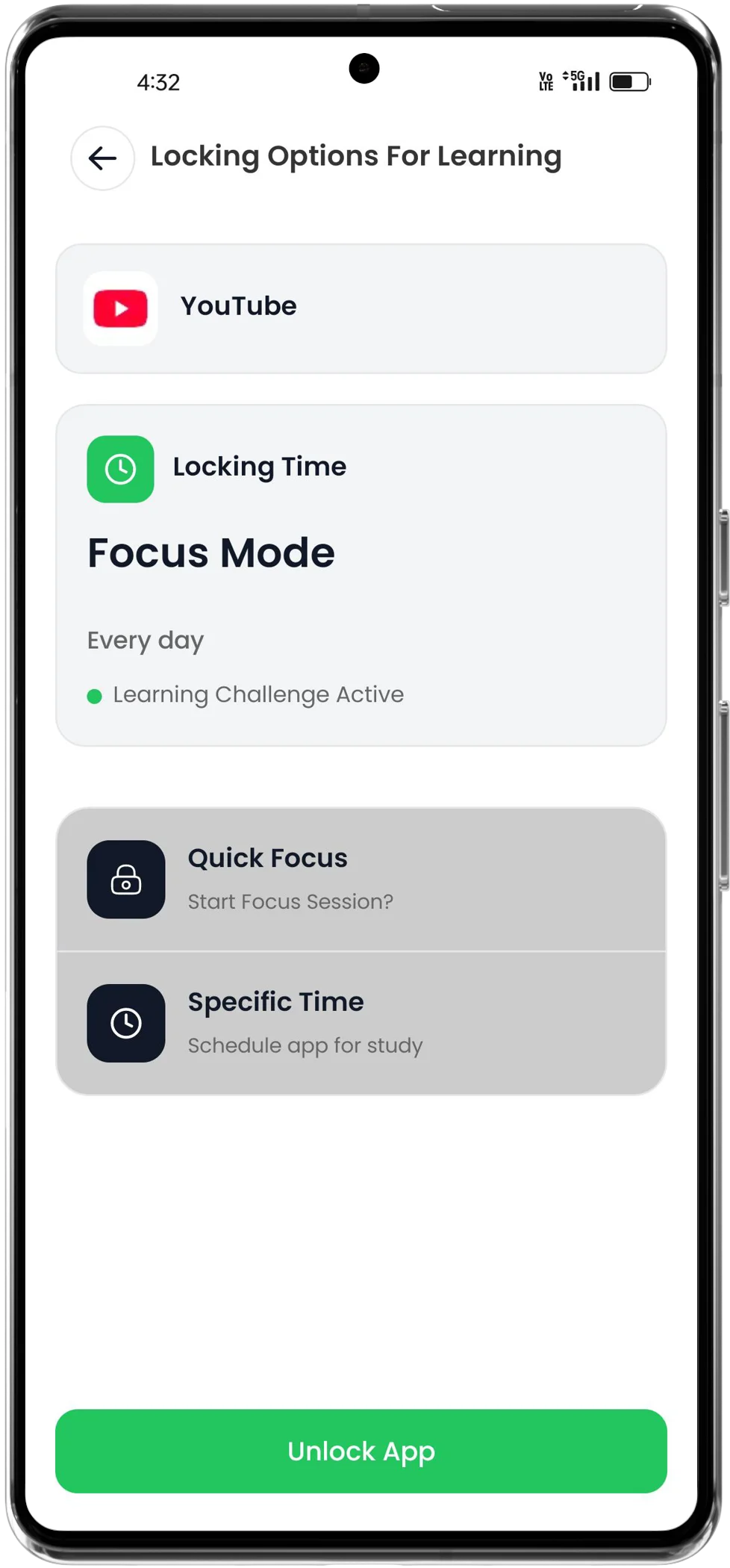
Set Focus & Time Locks
Schedule custom active lock schedules or quick focus intervals during studies, dinner, or bedtime.
Choose Age-Group Curriculums
Adjust form settings to calibrate challenges: age 2-3 (sounds), 3-4 (shapes, colors), 4-7 (math/words), or 13+ (equations/sciences).
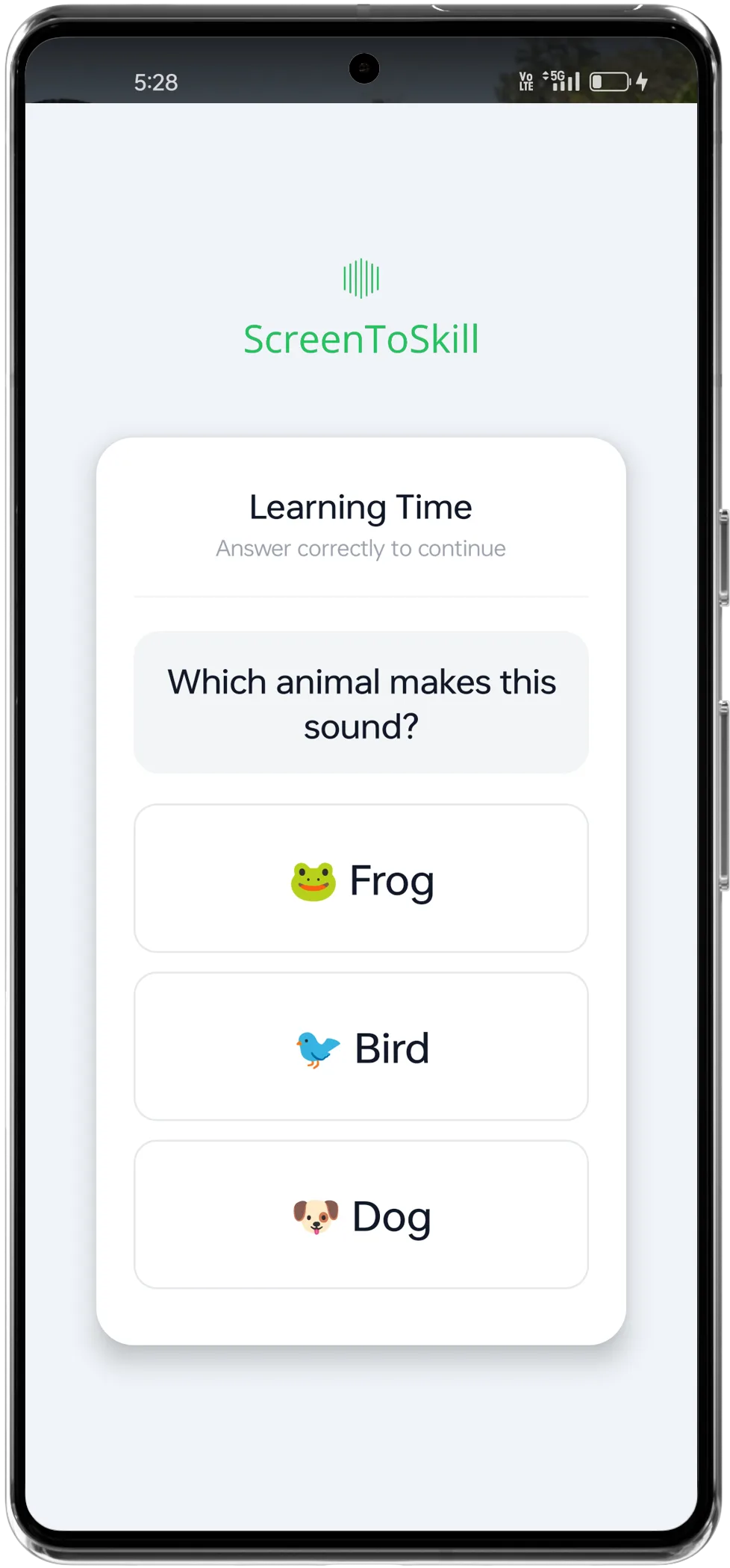
App Startup Overlay & Reward XP
Opening selected apps triggers the learning quiz. Solving questions correctly awards XP, logs stats, and unlocks device use.
Mandatory System Permissions
Follow these simple device setup steps to unlock seamless, uninterrupted parental locking and instant gamified quizzing.
App Accessibility
Set ScreenToSkill utility to 'Enabled' within Accessibility Settings. This allows instant launcher interception to intercept restricted social screens in under 10 milliseconds.
Overlay on App
Permit ScreenToSkill to 'Draw over other apps'. This ensures the customized gamified quiz popup displays instantly on top of addictive games.
Usage Permissions
Configure ScreenToSkill to 'Allow Usage Tracking'. This permits our software to calculate cumulative screen time metrics and trigger block layers accurately.
See it in action
Watch how to set up the app in under 3 minutes — from install to your first learning overlay.
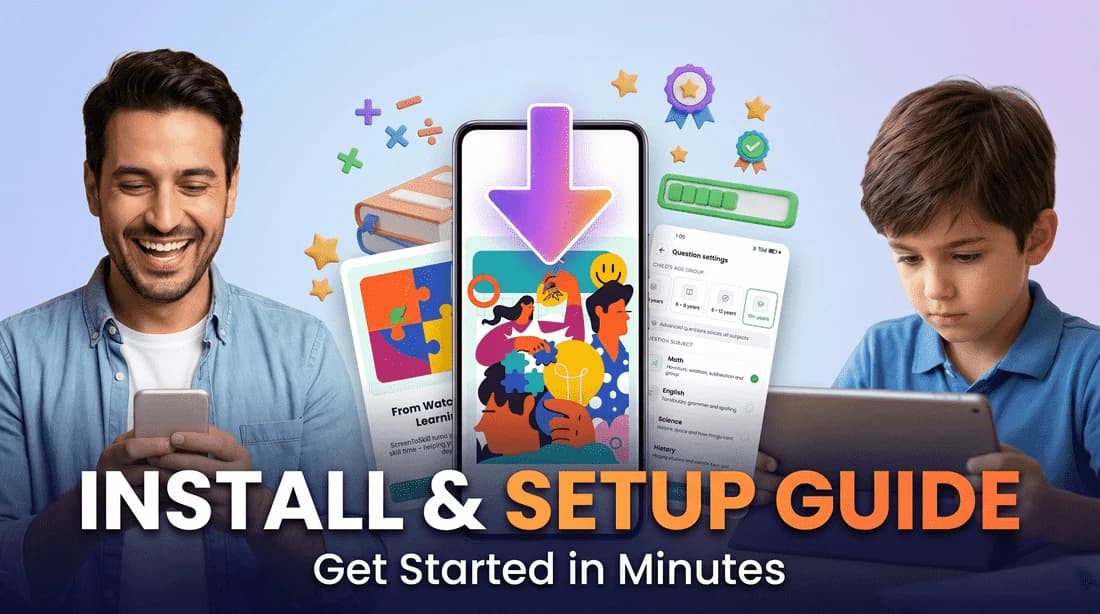
Full Setup Walkthrough
3 min · Install → permissions → first learning lock
Child Case Studies: Real Progress Stories
Observe genuine screen-time transformation. Toddlers, preschoolers and pre-teens swapping passive stimulation for cognitive playful challenges. No invasive tracking — just healthy family balance.
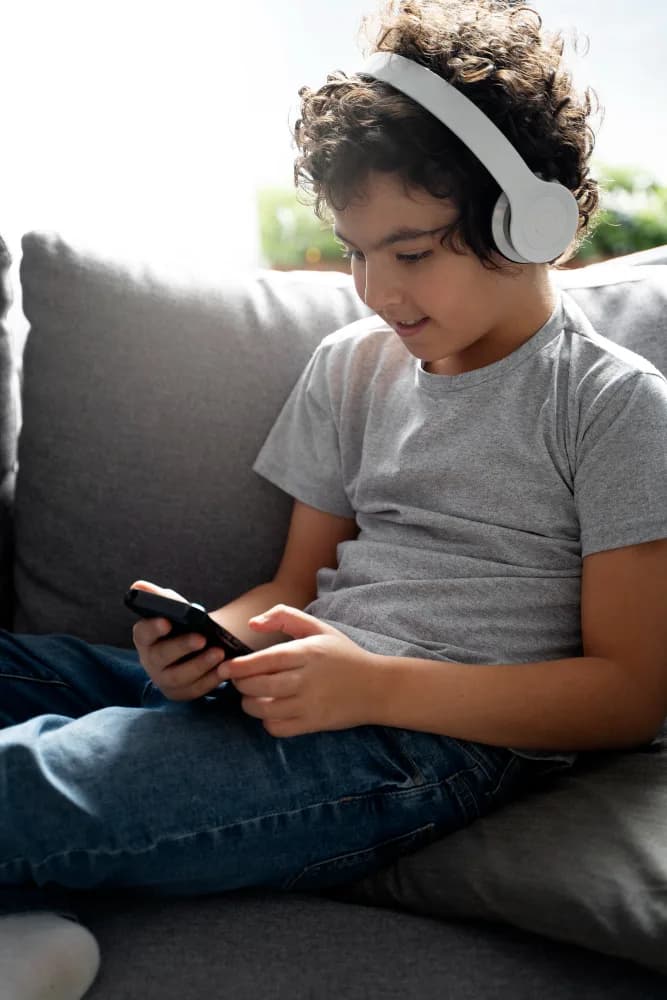
Aarav's Sound-Matching Breakthrough
Aarav had been refusing to put down the tablet at bedtime. After a week of ScreenToSkill sound and shape quests, he started asking for 'one more puzzle' instead of one more video.
“Earlier Aarav used to cry every time we paused YouTube. Now he opens the app himself, finishes 4–5 sound matches, and proudly tells us he 'earned' his cartoon. The tantrums at dinner time have completely stopped.”
Aarav now self-regulates his short YouTube sessions and engages with audio-matching games independently. Speech mimicry of animal and object sounds noticeably stronger over four weeks.

Ananya's Spelling Streak
Ananya was glued to short-form video apps every evening. After two weeks on ScreenToSkill, she was clearing spelling drills and addition sets before even opening her favourite app.
“We don't fight at 7 pm anymore. Ananya actually races through her quiz to unlock 20 minutes — and her class teacher mentioned she's spelling faster than the rest of her group this term. It quietly fixed a problem we'd been pushing for months.”
Spelling accuracy improved measurably within three weeks. Ananya self-initiates quiz sessions to unlock entertainment time, reducing evening parent-supervision conflicts to near zero.
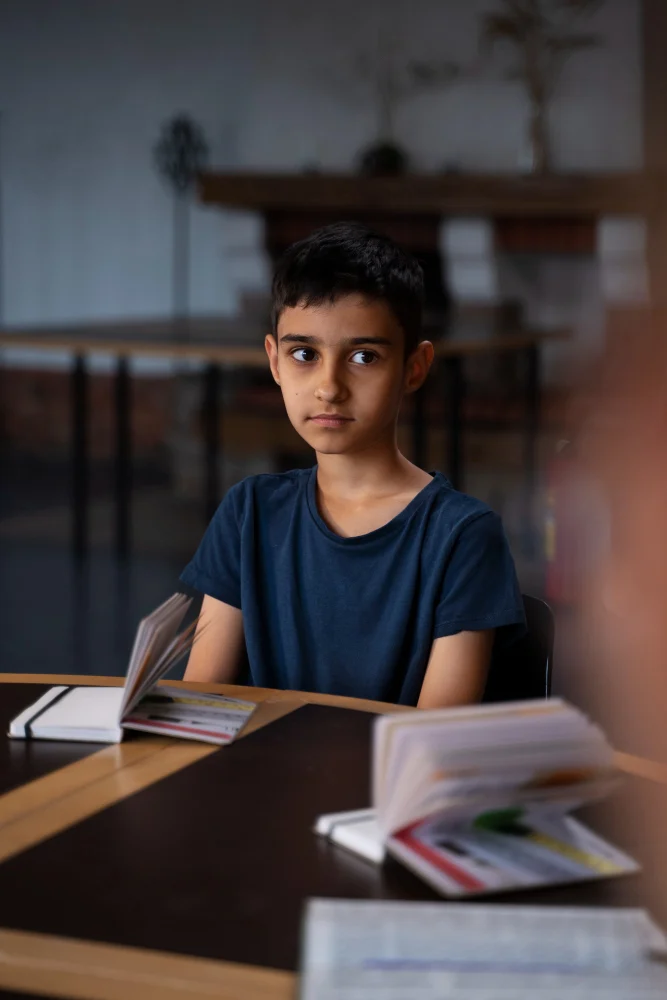
Kabir's Pre-Gaming Math Streak
Kabir used to spend 4+ hours daily on competitive gaming. ScreenToSkill repositioned algebra and science MCQs as the gateway — his streak now stretches across the whole school week.
“Honestly, I did not expect an 11-year-old to choose math drills over BGMI. But the streak counter pulls him in every evening. His half-yearly score jumped a full grade and dinner-time arguments are gone.”
31-day consecutive streak across algebra and basic physics MCQs. Self-reported gaming intent dropped by 22% in favour of quiz-driven unlocks. Teacher-reported attention span up notably in math periods.

Diya's Reading Habit Restart
Diya had drifted from her chapter books to endless reels. ScreenToSkill's vocabulary and comprehension quests slowly pulled her attention back — she now reads aloud during quiz breaks.
“What surprised us most was Diya picking up her library book on her own again. The app's reading quests rewarded her with screen time, and somewhere in between she just fell back in love with stories.”
Reading-comprehension accuracy improved across four levels in six weeks. Diya voluntarily switched from passive reels to vocabulary quests to earn rewards — sustained behaviour change observed.
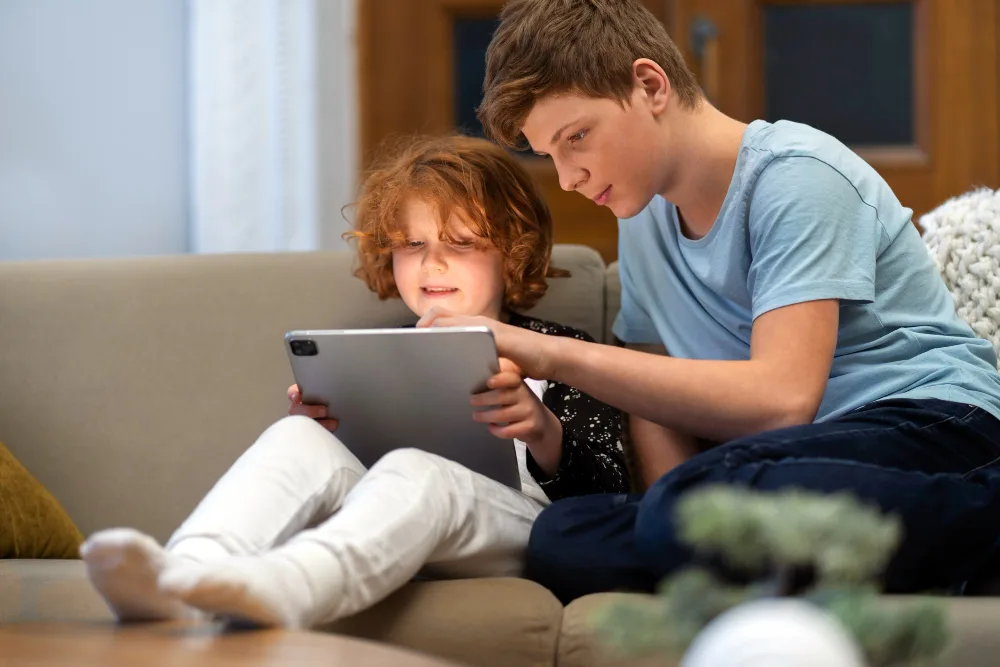
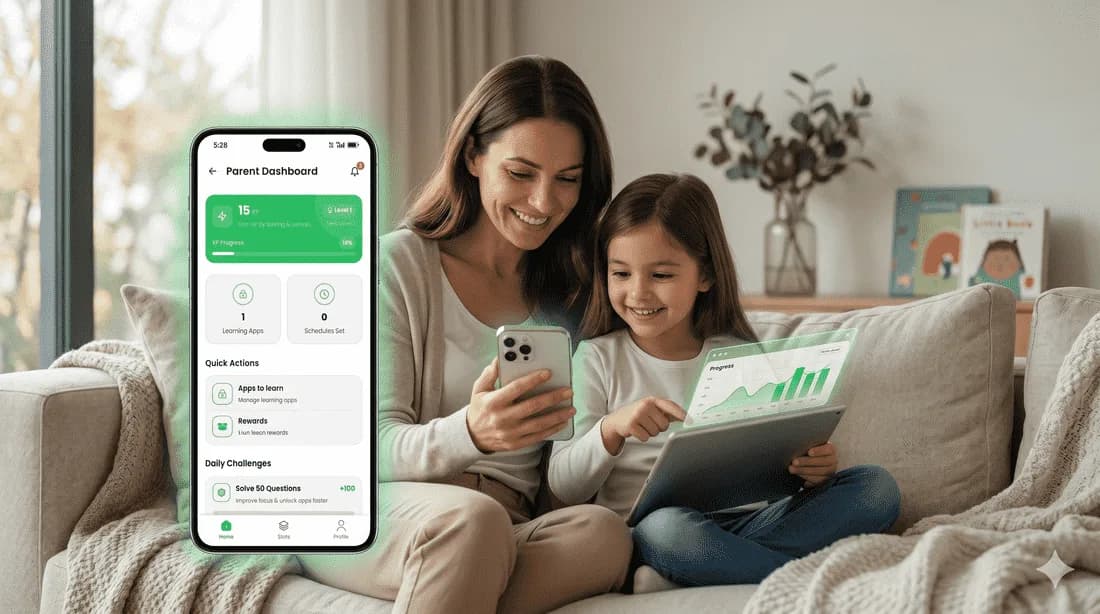
“My daughter no longer throws screen tantrums because ScreenToSkill handles the locks as a game challenge. He earns his game time honestly and feels proud about it!”
— Sneha Kulkarni, Pune — mother of twoWe believe technology should help children grow, not just consume.
We started ScreenToSkill to fix a universal digital parent dilemma: kids love interactive gadgets, but passive overstimulation steals away their focus during peak cognitive development windows.
Instead of dictating harsh parental blocks that provoke daily household friction, we create healthy boundaries where children learn to enjoy active problem-solving. This steady shift from brain-rot scrolling to targeted curriculum challenges helps kids self-regulate proudly.
Positive barriers that shield young concentration spaces from reels loops.
School-aligned curriculum targets designed to improve skills.
Converts idle scrolling directly into structured mental puzzles.
Earns local rewards proudly, converting screen-friction to harmony.
Frequently asked questions
Curious about childhood screen regulation, MCQs, or device remote setup? Find answers here.
Download the app now
Join over 100k+ families who turned daily device screen time struggles into a playful curriculum game with ScreenToSkill. Ready for iOS & Android.